

You’ve polished your resume, applied to dozens of work-from-home positions, and finally, the invitation lands in your inbox: “We’d like to schedule a virtual interview.” Your heart skips a beat—this is your shot at landing a remote role with a company in Bangalore, a startup in Gurugram, or perhaps an international firm offering flexible work. But as the initial excitement fades, a wave of questions floods in. How do you make a stellar impression through a screen? What if your internet fails? Is your bedroom background professional enough?
You are not alone. The landscape of hiring in India has undergone a seismic shift. What was once a niche practice is now the mainstream first—and often final—step in the recruitment process for remote and hybrid roles. Companies from TCS and Infosys to fast-growing edtech and fintech startups routinely conduct initial screenings and final panel interviews via platforms like Zoom, Microsoft Teams, and Google Meet. Success in this digital arena requires a unique blend of traditional interview savvy and new-age digital fluency.
This comprehensive guide is designed to be your playbook. We’ll move beyond generic advice and delve into the specific, actionable strategies that differentiate a candidate who merely attends a virtual interview from one who commands the digital room and secures the offer. Let’s transform your screen into a window of opportunity.
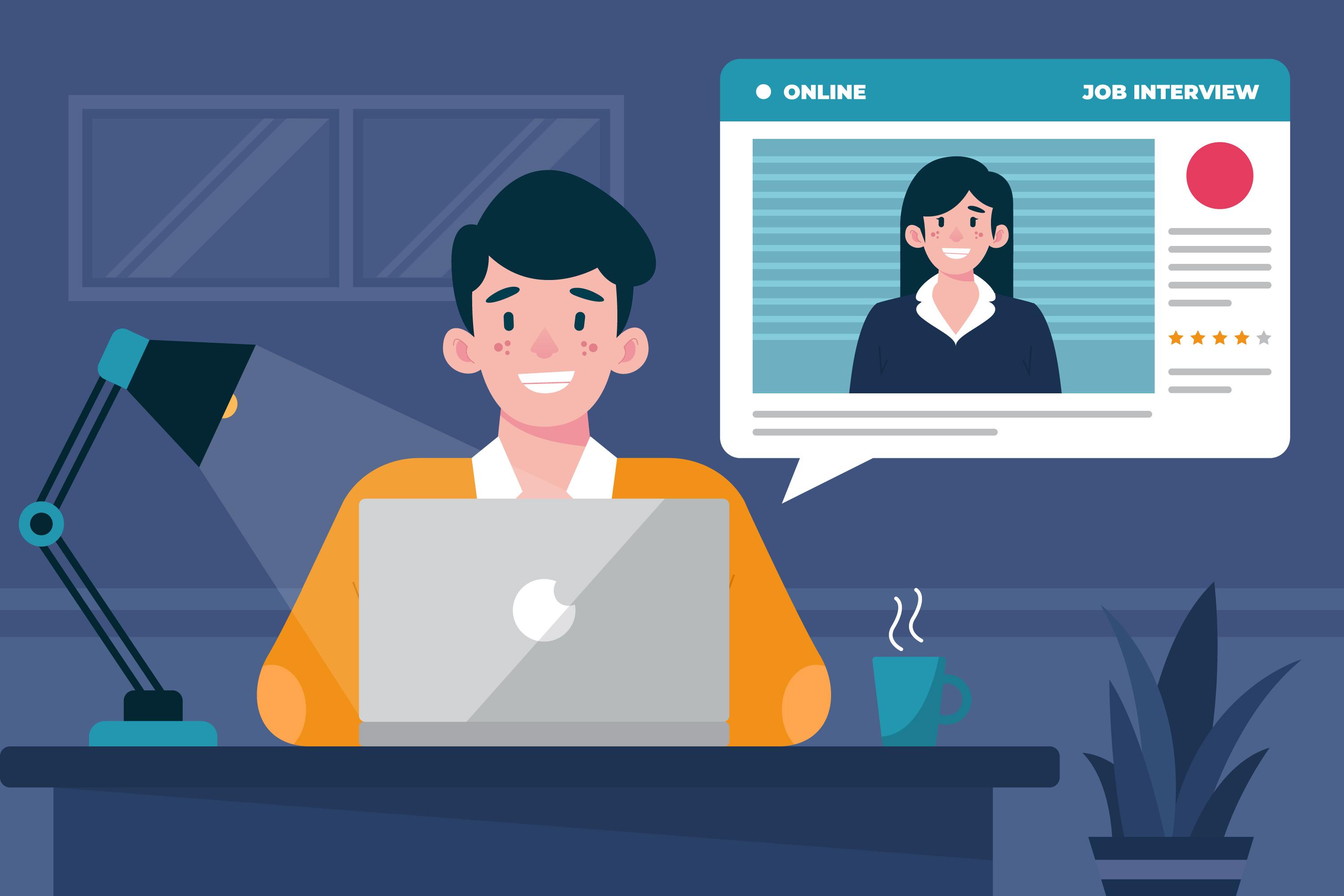
1. The Non-Negotiable Foundation: Your Technical Setup
Before you can impress with your answers, you must ensure your technology doesn’t betray you. A flawless technical setup is the unspoken first test of a remote job interview—it demonstrates professionalism, preparedness, and your inherent capability to handle a work-from-home role.
Hardware: Your Digital Toolkit
Do not rely on your smartphone. While it may be convenient, it signals a lack of seriousness and often results in poor audio/video quality and unstable camera angles.
- The Computer: Use a laptop or desktop with a reliable processor. Ensure it’s plugged into power for the entire duration to avoid an untimely shutdown.
- The Webcam: Most built-in laptop cameras are sufficient, but if yours is grainy, consider an external HD webcam. Position it at eye level using books or a stand to avoid unflattering angles.
- The Audio: This is arguably more important than video. Background noise from ceiling fans, traffic, or household activities can be incredibly distracting. Invest in a decent USB headset with a noise-cancelling microphone. It’s a small investment that pays massive dividends in clarity.
- Internet Connection: A wired Ethernet connection is the gold standard for stability. If using Wi-Fi, ensure you are close to the router. Ask family members to avoid heavy streaming or downloads during your interview slot.
Software and Pre-Checks
Fumbling with software downloads minutes before the call is a recipe for disaster.
- Download in Advance: As soon as you receive the interview link, download the required platform (Zoom, Teams, etc.) and create an account if needed.
- Profile Professionalism: Set your display name to your first and last name (e.g., “Priya Sharma,” not “Priya’s iPhone” or “user_123”). Use a professional profile picture.
- The Mandatory Trial Run: 24 hours before the interview, do a full mock test. Call a friend using the same platform, test your audio/video, and share your screen if you plan to present a portfolio. Check how you look on camera with your chosen lighting.
2. Crafting Your Stage: Background and Lighting
Your background is a visual extension of your personal brand. It should say “organized, focused, and professional,” not “I just rolled out of bed.”
The Ideal Background Setup
A clean, simple, and neutral background is key. A plain wall, a tidy bookshelf with organized books, or a modest piece of art works perfectly. Avoid:
- Personal Clutter: Beds, laundry, kitchen counters, or crowded rooms.
- Virtual Backgrounds: While tempting, they can glitch, making parts of your body disappear. If you must use one, choose a static, professional image and ensure you have a green screen or a very plain wall behind you for best results.
- High-Traffic Areas: Position yourself in a room where family members or pets are least likely to interrupt. Inform your household of your interview schedule well in advance.
Mastering the Art of Lighting
Good lighting is the cheapest way to look sharp and engaged. The goal is to have light facing you, not behind you.
The Key Principle: Face Your Light Source. Never sit with a window or bright light behind you—this will turn you into a silhouette. Position yourself so that natural light from a window falls on your face. For evening interviews or poorly lit rooms, use a simple ring light or a desk lamp pointed at the wall in front of you to create soft, diffused light. This eliminates harsh shadows and makes you look clear and alert.
3. The Silent Language: Body Language and Presentation on Camera
In a video interview, your non-verbal cues are magnified. You must learn to communicate confidence and connection through a limited frame.
Eye Contact and Posture
Looking at the interviewer’s face on your screen creates the illusion of looking down, not making eye contact.
- Look at the Camera: Position your interview window as close to your webcam as possible. Practice speaking while looking directly into the camera lens. This simulates direct eye contact for the interviewer.
- Sit Up Straight: Don’t slouch or lean back. Sit at a desk or table on a firm chair. Leaning slightly forward can convey engagement.
- Mind Your Frame: Position yourself so the camera shows your head and shoulders, with a little space above your head. Your hands should be visible if you use them naturally while speaking.
Dress for Success (From the Waist Up!)
The old adage “dress for the job you want” still applies, even if the interviewer only sees your top half.
Wear full professional attire. Not only does this put you in the right mindset, but it also prepares you for any unexpected need to stand up. For corporate roles in India, a formal shirt, kurta, or blouse is safe. Research the company culture—a startup might accept smart casuals. Avoid loud patterns, stripes, or glittery accessories that can strobe on camera. Solid, neutral colours like blue, grey, or pastels work best.
For more insights on presenting yourself professionally, explore our related articles on the JobUAI blog.
4. Anticipating and Conquering Common Technical Issues
Even with perfect preparation, technology can falter. Your response to these glitches is a test in itself.
Proactive Troubleshooting Plan
- Have a Backup Device: Keep your smartphone fully charged and logged into the meeting platform as a backup. If your primary connection fails, you can quickly switch.
- Share Your Number: In your pre-interview email, politely provide your mobile number to the recruiter or hiring manager with a note: “For any connectivity issues, please feel free to reach me at [Your Number].”
- Know the Mute Button: Keep yourself on mute when you are not speaking to eliminate any ambient noise from your end.
Grace Under Digital Fire
If your audio cuts out, your video freezes, or you get disconnected:
- Stay Calm: Do not panic. Your composure is being evaluated.
- Communicate Clearly: If you can still be heard, say, “I apologize, it seems my connection has become unstable. Please give me one moment to reconnect.”
- Rejoin Promptly: Rejoin the meeting immediately. Upon returning, offer a brief, polite apology and ask if they would like you to repeat your last point.
Handling these situations smoothly shows problem-solving skills and grace under pressure—highly valued traits in remote employees. For practice with handling unexpected questions (and tech issues), consider using a platform like JobUAI for AI-powered mock interviews.
5. The Final Act: Strategic Follow-Up
Your work isn’t done when the “Leave Meeting” button is clicked. A strategic follow-up can reinforce your interest and keep you top of mind.
The Thank-You Email Timeline and Content
Send a personalized thank-you email within 24 hours.
- Subject Line: Be specific. E.g., “Thank You – Interview for Senior Content Writer Role – [Your Name]”
- Personalize: Reference a specific topic discussed. “I really enjoyed our conversation about scaling the content strategy for the South Indian market…”
- Reiterate Value: Briefly reconnect your skills to a challenge they mentioned. “My experience using SEO tools to increase organic traffic by 40% at my previous role aligns well with the goals you outlined.”
- Close Professionally: Re-state your enthusiasm for the role and the company.
Post-Interview Reflection
While the experience is fresh, jot down:
- Questions you were asked (great for future interview prep).
- Your own assessment of your answers.
- Names and titles of your interviewers for future reference.
This log is invaluable for your career journey. You can find more resources on perfecting your follow-up strategy by visiting our interview tips topic page.
Key Takeaways and Your Next Step
Mastering the virtual interview is a critical skill in today’s remote-first job market. Remember:
- Technology is Part of the Test: A flawless setup shows you are remote-ready.
- Your Environment Speaks: A professional, distraction-free background is non-negotiable.
- Camera Presence is a Skill: Practice eye contact (via the camera), posture, and clear enunciation.
- Plan for Glitches: Have a backup plan and respond to issues with calm professionalism.
- Follow-Up with Purpose: A timely, personalized thank-you email reinforces your candidacy.
The transition from in-person to online interview etiquette can be challenging, but with deliberate practice, you can become more confident and compelling on screen than you ever were in a physical room.
Ready to put these Zoom interview tips into practice? Theoretical knowledge is one thing, but confident execution comes from experience. At JobUAI, we provide an AI-powered platform where you can simulate real virtual interviews for specific roles and companies. Get instant feedback on your answers, body language, and communication style. Practice until you feel perfectly prepared.
FAQ’S
Wear professional attire appropriate to the company culture. Solid colors work best on camera, and it’s recommended to dress fully professional—even if only your upper body is visible.
Internet stability is crucial. A wired Ethernet connection is ideal. Always keep a backup device and mobile data ready in case of technical disruptions.
Look directly into your webcam instead of the interviewer’s face on the screen. Position your interview window near the camera to create a natural eye-contact effect.
Choose a clean, neutral background such as a plain wall or tidy bookshelf. Avoid cluttered spaces, virtual backgrounds that glitch, and noisy environments.